Home / Features
The workspaceProcurement compliance software,
built around the award record
ProcureAudit is procurement compliance software for government contractors. Award records, phase based checklists, a document drive, review approvals and an activity trail all read the same underlying record, so the purchasing file is complete by the time anybody asks to see it.
When somebody asks for the file, it is too late to start building it
A CPSR sample, a DCMA request, or a new buyer on a five-year subcontract all ask the same things: who was approached, why the award went where it did, who approved it, and every modification with its award and funded amounts. That is cheap if it was written as work happened. It is a project if it has to be reconstructed.
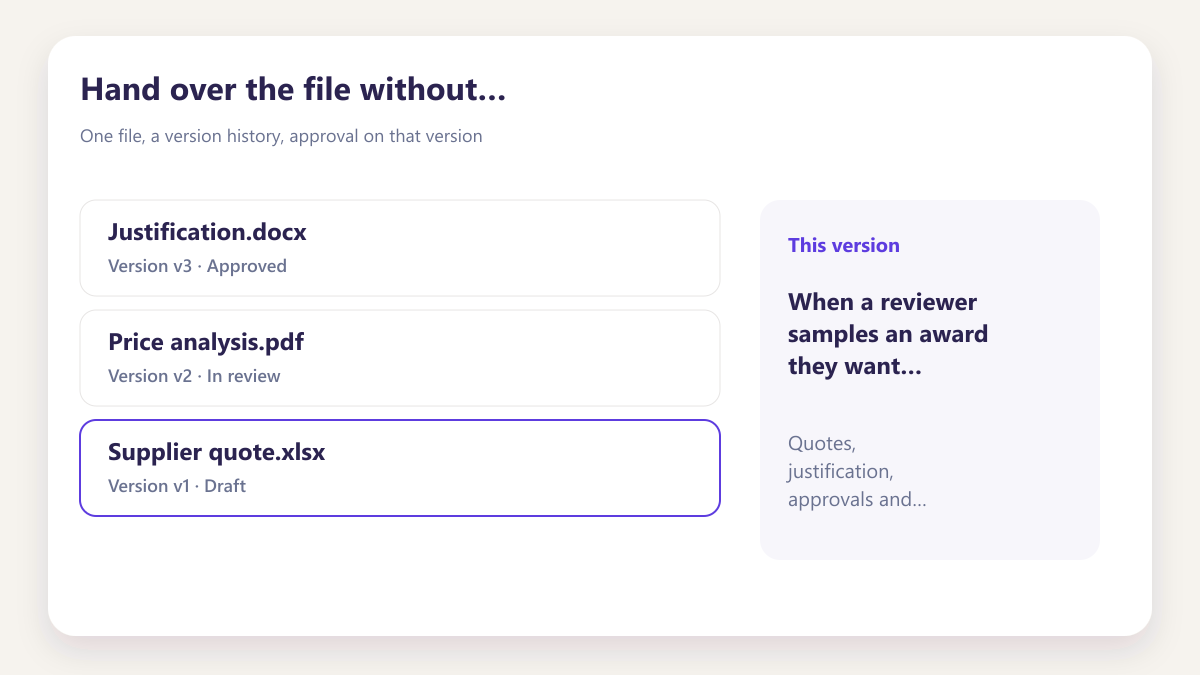
Hand over the file without assembling it
When a reviewer samples an award they want suppliers, quotes, justification, approvals and modifications in one place. If that lives in inboxes, the request becomes a collection exercise.
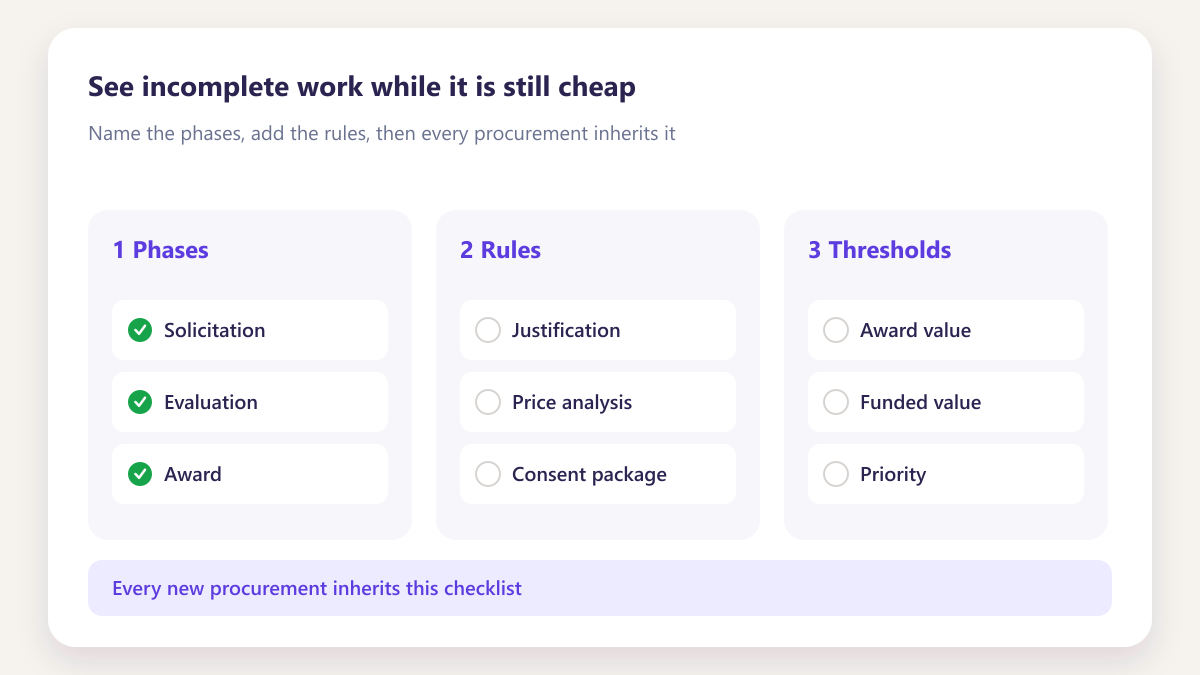
See incomplete work while it is still cheap
A single percentage hides which phase or which MOD is stuck. Phase counts and last movement show the gap while a reviewer can still fix it.
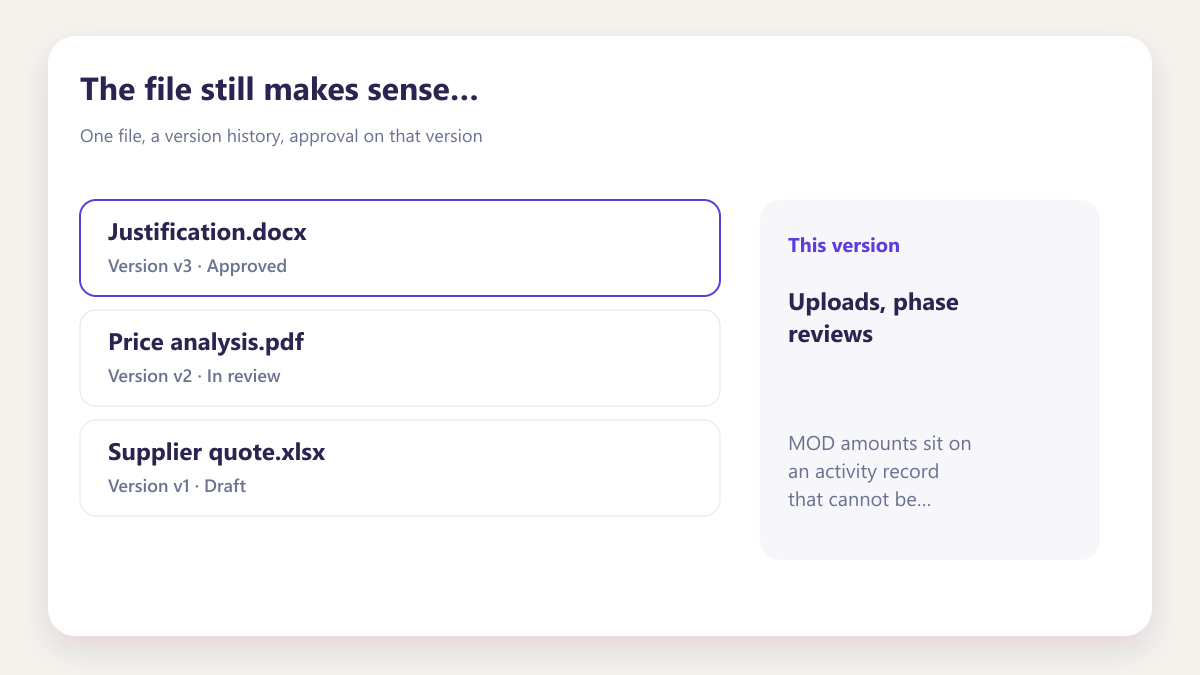
The file still makes sense after the buyer leaves
Uploads, phase reviews and MOD amounts sit on an activity record that cannot be edited later. The next person reads the file; they do not inherit a private drive.
Four stages, and what the workspace does at each
A purchase moves through the same four stages whatever you are buying. These are the features that carry it through each one.
Four stages. The workspace carries the purchase through each one.
Set up templates and rules, run awards and modifications, gather evidence, then oversee boards and activity — without rebuilding the file at every handoff.
- Templates and rules applied once at setup
- Awards, modifications, documents and approvals on one record
- Boards, tasks and activity for the people overseeing the work
Build the checklist once, inherit it forever
Decide what evidence a purchase of this type requires, and in what order. Every award inherits that template.
- A three step wizard rather than a configuration project
- Rules generated from a policy document you already hold
- Award value thresholds that trigger approval without anybody remembering
- Named reviewers assigned per phase rather than per award
The record that holds the whole purchase
Each award is one record: phases, documents, modifications and activity. Retrieval later is a search, not a collection exercise.
- Phases arranged the way your team sequences work
- Modifications with their own award and funded amounts
- Progress read per modification rather than as one blended figure
- Every upload and decision landing on the activity timeline
Filed where somebody will look for it
Evidence is filed by award, modification and phase. Review routes to a named person; approval attaches to the version they saw.
- Version control on every file, with earlier versions retained
- Review routed rather than emailed as an attachment
- Approval recorded against the version, not the file in general
- Retrieved by filter months or years afterwards
Seeing where the work actually is
Buyers and reviewers each build the board that answers their question. A personal queue shows what needs doing today.
- Custom boards per person, plus one shared default board
- A personal task queue drawn from awards, reviews and assignments
- Stalled and unassigned work surfaced rather than sitting quietly
- Every action attributed to a named person with a timestamp
Procurement compliance features for government contractors
Move through each part of the workspace. Every one reads the same award record, which is why nothing has to be copied between them.
Nine parts of the workspace, one award record underneath.
Move through Smart Board, award records, checklists, modifications, the document drive, approvals, AI extraction, team roles and tasks — each reading the same purchase.
- Every feature reads the same underlying award record
- Nothing to copy between tools or re-key for a review
- Open any part of the workspace from one place
Custom procurement boards
Buyers and reviewers each build the board that answers their own question, and a shared default board keeps the organisation on one picture without anybody maintaining it.
- Personal boards built in a few clicks, no approval needed
- Award type, value, owner and last movement on every card
- Stalled and unassigned work surfaced rather than sitting quietly
- One shared default board available to everyone
Phases, rules and live progress
Each award opens as one record carrying its phases, documents, modifications and activity, so retrieval later is a search rather than a collection exercise.
- Phases arranged the way your team sequences work
- Rules dragged in from your reusable library
- Progress read per modification rather than blended into one figure
- Every upload and decision landing on the activity timeline
Build once, inherit everywhere
A three step wizard turns how your team already works into a template, and every award created afterwards inherits its phases, thresholds and reviewers automatically.
- Named phases and rules you arrange yourself
- Rules generated from a policy document you already hold
- Award value thresholds that trigger approval without anybody remembering
- Named reviewers assigned per phase rather than per award
Every change on its own record
A long running subcontract accumulates changes for years. Each modification carries its own award and funded amounts, its own documents and its own progress.
- Own award and funded amounts per modification
- Documents filed against the change they actually support
- Progress readable per modification, however many accumulate
- No ambiguity about which change a document belongs to
Evidence filed where it is looked for
Storage structured by award, modification and phase rather than by whatever folder convention a team happened to develop, with version history kept throughout.
- Structure generated from the record, not agreed by committee
- Every version retained, with the current one clearly marked
- In app editing rather than download, rename and re-upload
- Retrieved by filter months or years afterwards
Recorded against the version reviewed
Review routes to a named person for their phase, and the decision attaches to the exact revision they looked at rather than to the file in general.
- Reviewers assigned per phase in the template
- Changes requested returns it with the comment on the document
- Approval recorded against the specific version
- The next phase opens automatically once it clears
Upload a document, skip the typing
Most of what an award record needs already exists in a document a supplier sent you. Extraction reads it and drafts either the record or a checklist rule.
- PDF, Word, Excel, CSV and TXT all accepted
- A draft you review and adjust before anything is saved
- Output tagged so its origin stays obvious
- Every extraction run kept in the job history
Access that follows the role
Invite the people who need to see an award and they get the access their role requires, with every action in the workspace attributed to a named person.
- Invitation by email, workspace shared on acceptance
- Access from the role rather than copied from a colleague
- Role changes update access rather than accumulating it
- No anonymous actions anywhere in the record
A queue for today, a record for later
A personal queue shows what needs doing now, drawn from awards you own, reviews waiting on you and anything assigned to you. The activity record answers what happened.
- One queue from three sources, sorted by due date
- Completing a task updates progress and moves the board card
- Every action logged with a name and a timestamp
- Entries written as work happens rather than reconstructed
Four things that decide whether it gets used
A purchasing file workspace only helps if the people placing awards actually work inside it. These are the design decisions that make that likely.
Most of what an award record needs already exists in a document somebody sent you. Extraction reads it and drafts the record, so the workspace fills from what you already hold rather than from a blank form.
- Five file types accepted, including PDF, Word and Excel
- A draft you review and adjust before anything is saved
- Output tagged so it stays obvious where it came from
- Every extraction run retained in the job history
We do not decide what evidence your awards require or in what order. You build the template from how your team already works, and rules can be produced from a policy document rather than authored from nothing.
- Phases named and ordered by you
- Rules dragged into the phase where they belong
- One template applying to unlimited awards
- Edited later without disturbing records already running
A long running subcontract picks up changes for years. Each modification carries its own award amount, funded amount, documents and progress, so it stays clear which change a document supports.
- Own award and funded amounts per modification
- Documents filed against the change they support
- Progress readable per modification rather than blended
- Legible however many accumulate over a program
An activity record is only worth having if each entry attributes an action to a person. Uploads, approvals, completions and reassignments are all logged as they happen rather than assembled later.
- No anonymous actions anywhere in the record
- Approval recorded against the version reviewed
- Reassignment keeps both names in the history
- Entries written as work happens rather than reconstructed
What changes in the first month
The same team and the same awards, with the record built as work happens rather than at the end.
Three views of the same award
The record is one thing. What each person needs from it is not.
Contracts and compliance
Produces the purchasing file by filtering rather than collecting, and finds gaps weeks before somebody external asks about them.
Buyers and procurement
Places awards without writing status updates, because anybody who wants the status can see it on a board they built themselves.
Finance and program
Sees award against funded amounts per modification, so incremental funding gaps are visible rather than discovered at a review.
Writing for the people who build purchasing files
Practical pieces on documentation, modifications and what a complete award record actually contains.
What belongs in a subcontract purchasing file
The six things a reviewer looks for, and why five of them are far easier to capture at the time than to reconstruct afterwards.
Building a compliance checklist your team will actually follow
Phases people recognise, thresholds that fire on award value, and reviewers assigned before anybody needs one.
Why modifications should never merge into the parent award
A single blended percentage hides which change the outstanding work belongs to, which is where most retrieval problems begin.
ProcureAudit holds the file. eProcureAI runs the buying.
ProcureAudit is built by eProcureAI, alongside the main procurement platform and VendorHub. If your pressure is day to day purchasing rather than the contract record, the main platform runs requests, approvals, purchase orders, receiving and invoice matching on the same principle of one record instead of four systems.
Explore eProcureAIQuestions about the workspace
What is ProcureAudit?
How many tools am I actually buying?
Which feature should we set up first?
Can we start with a single award?
Do we need a specialist to configure it?
What file types can be read into records?
How does this relate to eProcureAI?
Is our data used to train anything?
See the workspace on one of your own awards
Bring a subcontract you would rather not assemble by hand, ideally one with a couple of modifications and a buyer who has since moved on.
Book a demo